
Play slots, fish games, and Sports Betting anytime, anywhere with the bs77 app. Fast loading, smooth performance, and fully secure.
The bs77 app works seamlessly on Android, iOS, and any browser
Version 5.0+ Supported
Supports iPhone and iPad
Works on Any Browser
Installing the bs77 APK on Android is straightforward. Just follow the steps below — the whole process takes only 3-5 minutes.
Go to your phone's Settings → Security or Privacy and enable the "Unknown Sources" or "Install Unknown Apps" option. This is required to install APK files.
Tap the "Download Android APK" button above. The download will begin and the file will be saved to your phone's Downloads folder.
Once the download is complete, tap the notification or open your Files / File Manager app and navigate to the Downloads folder. Locate the bs77 APK file there.
Tap the APK file to open the installation screen. Tap the "Install" button and wait a few seconds.
Once the installation is complete, tap "Open". Log in with your existing bs77 account or create a new one.
Follow the steps below to install bs77 on your iPhone or iPad. The process on Apple devices is slightly different.
You must use Safari to install the iOS app. Installation will not work through Chrome or any other browser.
Tap the "Download iOS App" button above. Once you reach the download page, follow the on-screen instructions.
You will be prompted to allow a profile download on screen. Tap "Allow". Then go to Settings → General → VPN & Device Management to trust the profile.
Once the profile is trusted, the bs77 app icon will appear on your home screen. Tap it to open the app.
After your first login, enable Face ID or Touch ID for quick access. From then on, you can sign in with a single touch.

Everything in one app — games, betting, deposits, and withdrawals
The bs77 app offers 500+ slot games, including top titles from the most popular providers — all at your fingertips. Graphics and sound are fully optimized for mobile screens.
The vibrant underwater fish shooting game is now smoother than ever on mobile. Playing on a touchscreen makes it far more enjoyable — just tap to aim and shoot.
Bet live on cricket, football, tennis, and all the big matches while following the live score. Push notifications will alert you before the match even kicks off.
Deposit and withdraw directly in the app using Mobile Banking, Nagad, Rocket, and all other popular payment methods. Transactions are typically processed within 2-5 minutes.
Winnings, match kick-offs, bonus offers — all updates are delivered straight to your phone via push notifications. Never miss a deal.
Switch on Dark Mode for late-night sessions. It reduces eye strain and helps your battery last longer. You can change it in one tap from Settings.
The entire bs77 app interface is available in Bangla — menus, game descriptions, support chat, everything. No language barriers.
Get support via Live Chat directly from within the app. Help is available in Bangla around the clock.
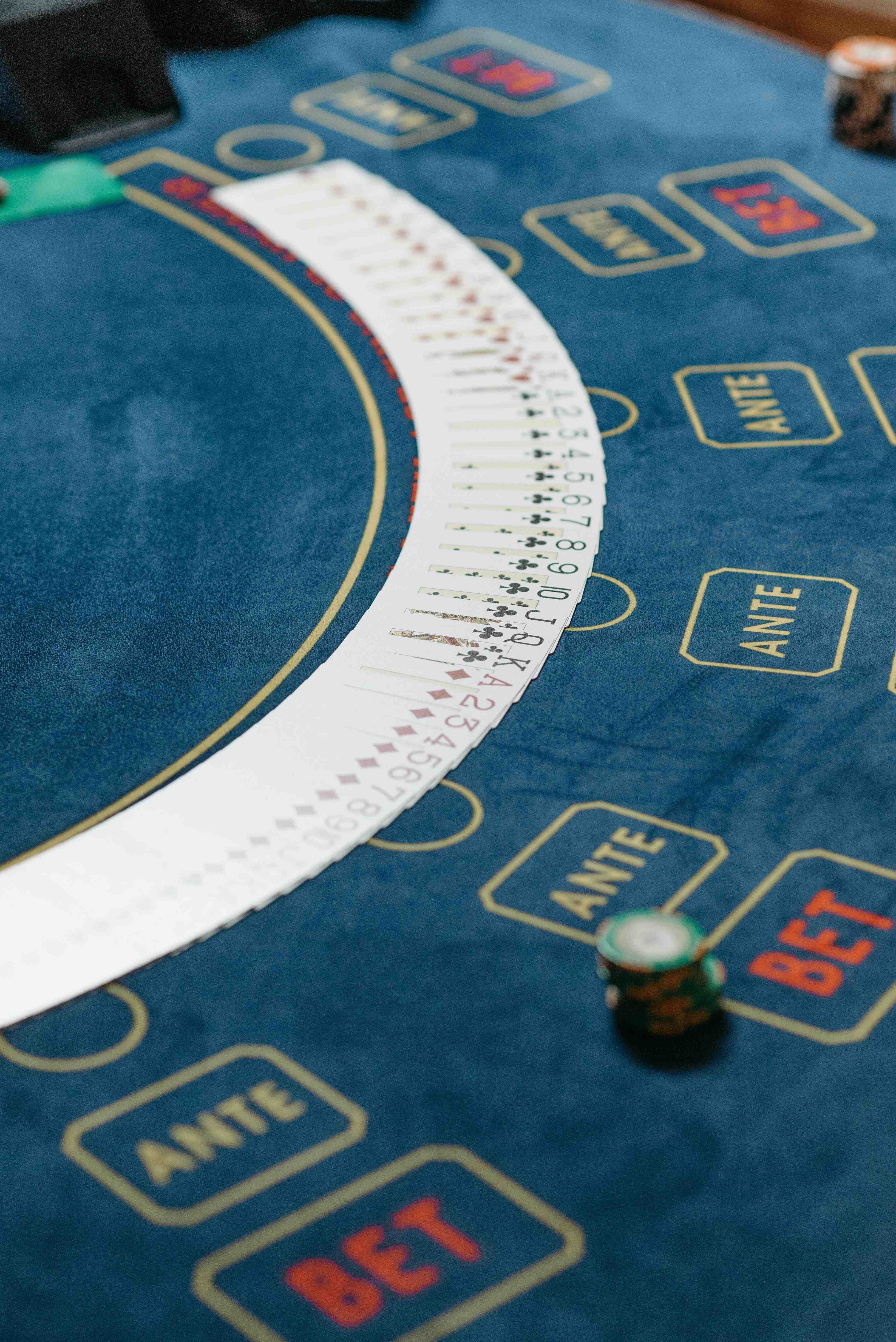
Smartphones are now an inseparable part of our daily lives — from the moment we wake up to the moment we go to sleep, our phones are always in hand. That is why bs77 has built its entire platform mobile-first. Everything available on desktop is available in the app too — and some features actually work even better on mobile.
Many people wonder why they should bother downloading the app when they can just play in a browser. The answer is speed. Browsers reload pages on every navigation, but once the bs77 app is loaded, everything runs smoothly. Game graphics look sharper and sound effects come through much better.
Another major advantage of the bs77 app is its offline resilience. A weak connection won't cause the app to crash — it simply picks up right where you left off once connectivity is restored. This is especially useful for anyone dealing with intermittent mobile data.
The bs77 app offers a much higher level of security. It features SSL encryption, two-factor authentication, and biometric login. Your account details and transaction data are fully protected at all times. Even if you lose your phone, you can remotely lock your account.
Making deposits through the bs77 app is simple. When paying with Mobile Banking or Nagad, the app-to-app payment feature lets you launch Mobile Banking directly from within bs77 — no need to manually copy account numbers. This also reduces the risk of sending money to the wrong number.
The bs77 app updates every week — new games are added, bugs are fixed, and performance is improved. When you receive an update notification, take a moment to install it and always enjoy the best experience. Some features may not be available on older versions.
| Topic | Android | IOS |
|---|---|---|
| Minimum OS | Android 5.0 | IOS 13 |
| RAM | 2 GB+ | 2 GB+ |
| Storage | 50 MB | 60 MB |
| Internet | 3G/4G/WiFi | 3G/4G/WiFi |
| Processor | Quad-core+ | A9+ |
| Display | 4.5" + | 4.7" + |
Only download the bs77 APK from the official website. APKs from third-party sites may not be safe. Avoid downloading files from unverified sources.
Compare the pros and cons of both options at a glance
| Features | Bs77 App | Browser |
|---|---|---|
| Loading Speed | ||
| Push Notifications | ||
| Biometric Login | ||
| Use without installing | ||
| App-to-app payment | ||
| Dark Mode | ||
| Lower data usage | ||
| Automatic Updates |

Keep these tips in mind to get the most out of the bs77 app
Make sure you have a stable internet connection during live games or betting. A weak connection can interrupt your game at a critical moment.
When you receive an update notification, don't put it off. New versions include bug fixes and new games.
Enabling Face ID or Fingerprint login means you never have to type your password again. It keeps your account more secure and saves you time.
Use Dark Mode during long sessions and keep your screen brightness low. This will significantly extend your battery life.
Frequently asked questions about download and installation